How to Create a Windows 11 Recovery Drive (2026 Guide)
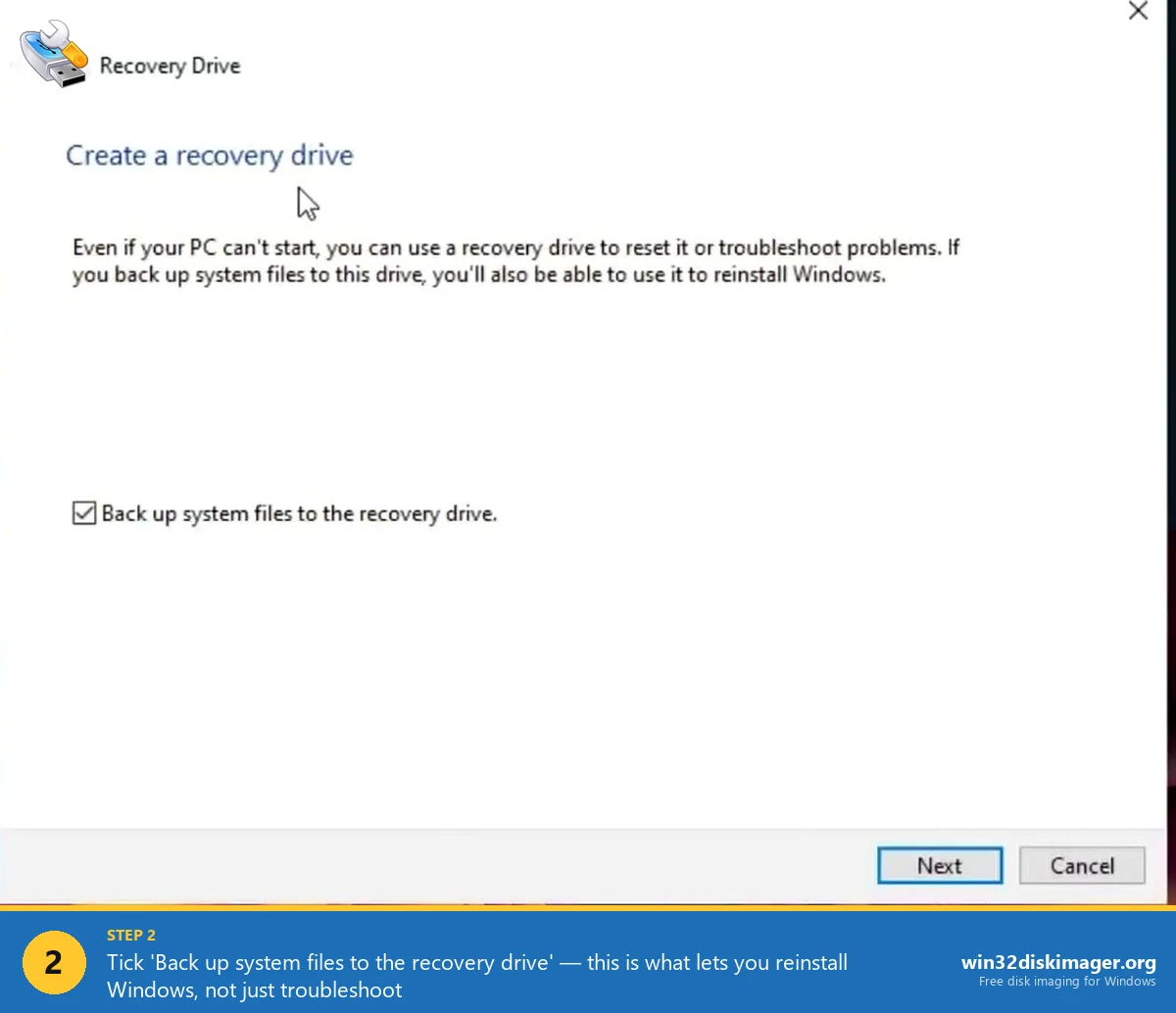
Windows 11 Create a recovery drive dialog with Back up system files checkbox

My sister’s Dell laptop wouldn’t POST last Christmas. Blinking orange LED, nothing on screen. Bad SSD, turned out. I swapped in a spare drive, plugged in a recovery USB I’d made for her a year earlier, and forty minutes later she was back on a working Windows 11 install with her files on the side. … Read more
Hide a Partition in Windows 11 with Diskpart (2026)

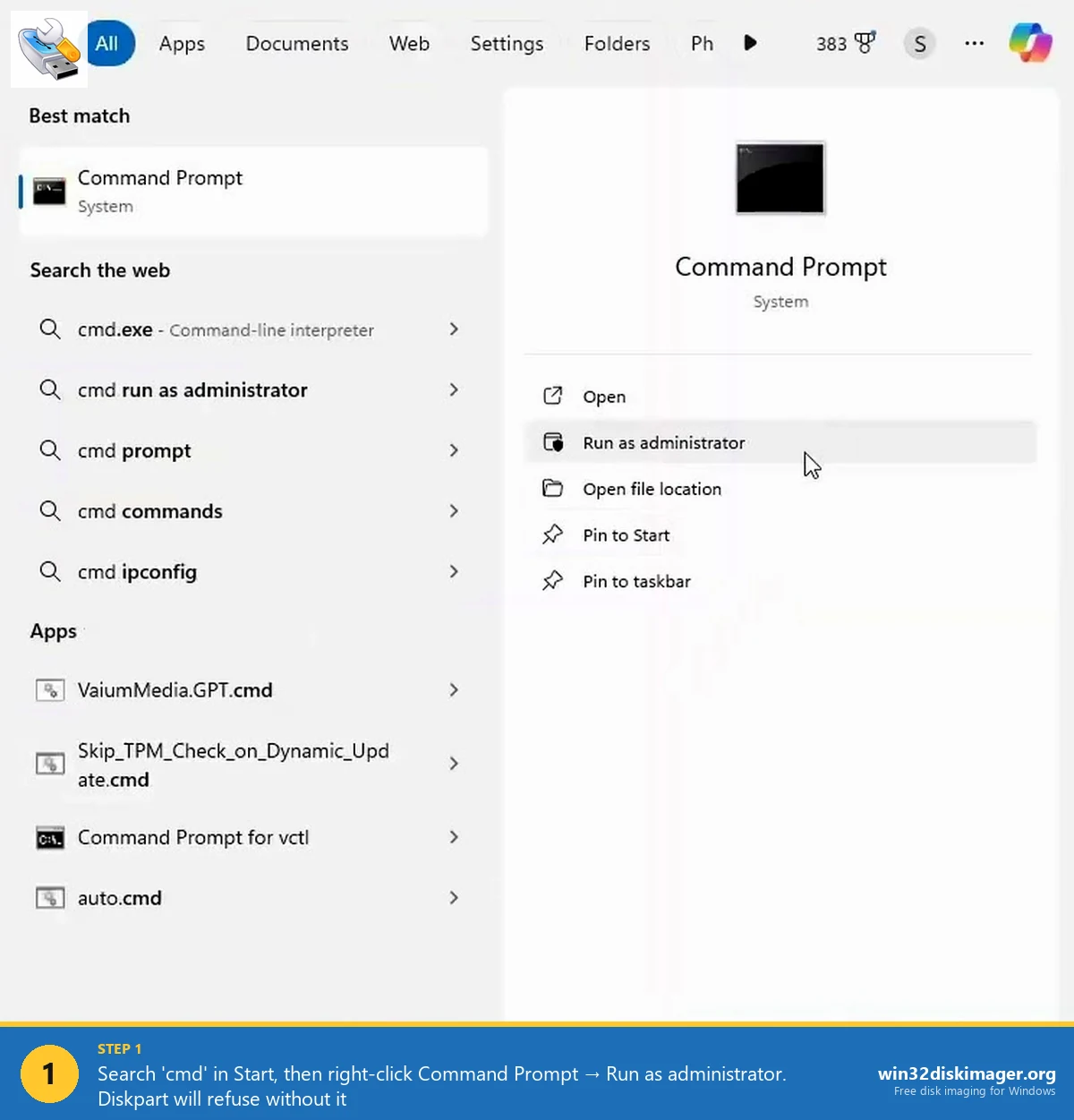
Command Prompt Run as administrator option Windows 11

Back when I was in college I kept a D: drive full of tax receipts, scanned ID docs, and other boring grown-up stuff on my gaming desktop. Roommates used that PC for Netflix and the occasional essay. I didn’t want any of them bumbling into the folder, but I also wasn’t about to install VeraCrypt … Read more

Connect Two Windows 7 Computers On LAN Using Ethernet Cable

There are times when you want to transfer your important files and documents from one computer to another. Especially, if you are to manage multiple computers on your home network or a workgroup, transferring files between them becomes tedious. Though you can use the following alternatives to transfer data. Tip: Create Wireless Home Network Without Router … Read more

Partition Hard Drive in Windows 7 Without Formatting

With the advent of the technical world comes new operating systems each with some more facilities than its predecessor. The same happened with Windows. Recent operating systems like Windows 7 and also Windows Vista has a great dexterity in them that the hard disk can be partitioned, re-sized without formatting your computer. Here, we discuss … Read more

Disable Thumbnail Preview in Windows 11 File Explorer

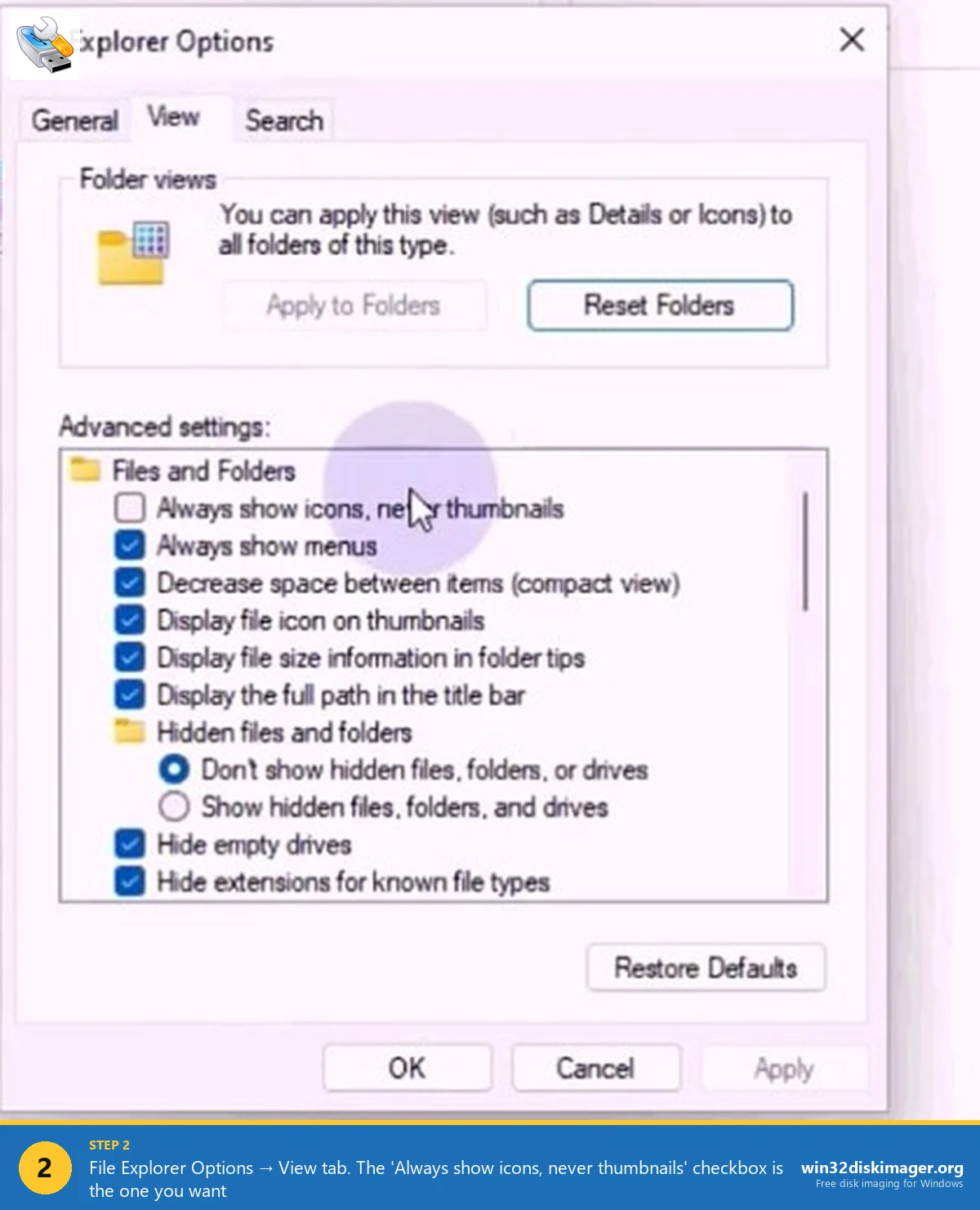
Windows 11 File Explorer Options View tab showing Always show icons never thumbnails checkbox

So my little brother dropped a folder of 3,800 RAW photos from a wedding shoot onto my old laptop last month, and File Explorer basically died for about 40 seconds every time I opened it. Just sat there. White screen. Spinning. Nothing. I’d hit this same wall years ago on Windows 7 and Vista, and … Read more

10 Windows 7 Tips and Tricks

The New Windows 7 OS is out and running on a lot of new computers. If you installed it on your old computer or just bought a new computer with Windows 7, I have some cool tips and tricks to help you out. You will find Windows 7 has a lot of new enhanced features … Read more

How to Bootable USB Flash Drive

Bootable USB Flash Drive: USB Flash Drives are hot right now and cheap. Take a look at all the ads on the Internet and from you local computer store. You can buy a 1Gb USB Flash Drive for as little as $10. and as high as $250 for a 64 Gb’s Flash Drive. If you watch … Read more

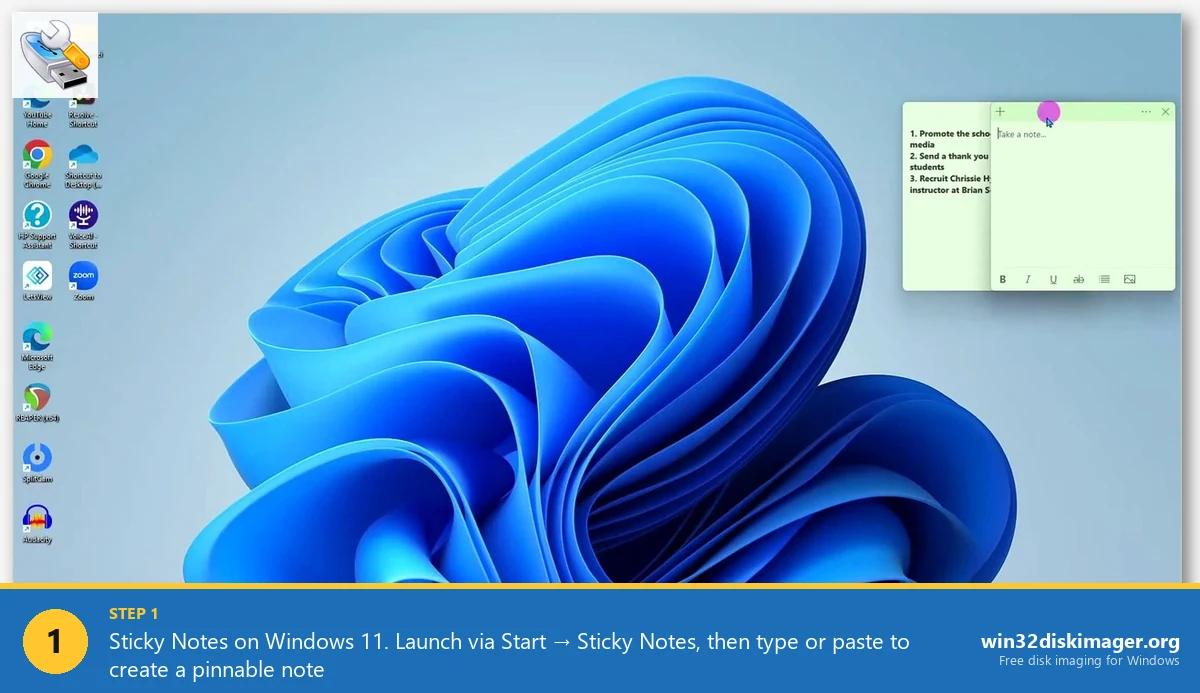
Sticky Notes Windows 11: Shortcuts, Sync, Backup Tips

Sticky Notes app Windows 11 desktop with active note

I’ve got 14 sticky notes on my desktop right now. Project to-dos, a Wi-Fi password for a cafe I visit once a week, SQL queries I don’t want to retype, and at least three grocery lists from different weeks that I forgot to clear. Sticky Notes is probably the most underrated app Microsoft ships, and … Read more